Checking your access…
🌸 Insider preview
A new photo studio is on the way — pose your garden character (and your guildmates) in a decorated scene and keep the snapshot in your album. It isn’t live in-game yet on either version, so this is an insider first look at the scenes, effects, and how it’ll work.
The catalogs (flowers, outfits, cosmetics, themes, animations) and the guild view are open to everyone.
If your guild already has insider access, sign in on your guild page and this view unlocks. Otherwise, just reach out — we add new guilds one at a time and like hearing from interested players. Any help keeping the project going is appreciated, but never expected.
What it is
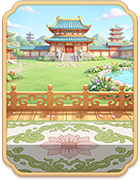
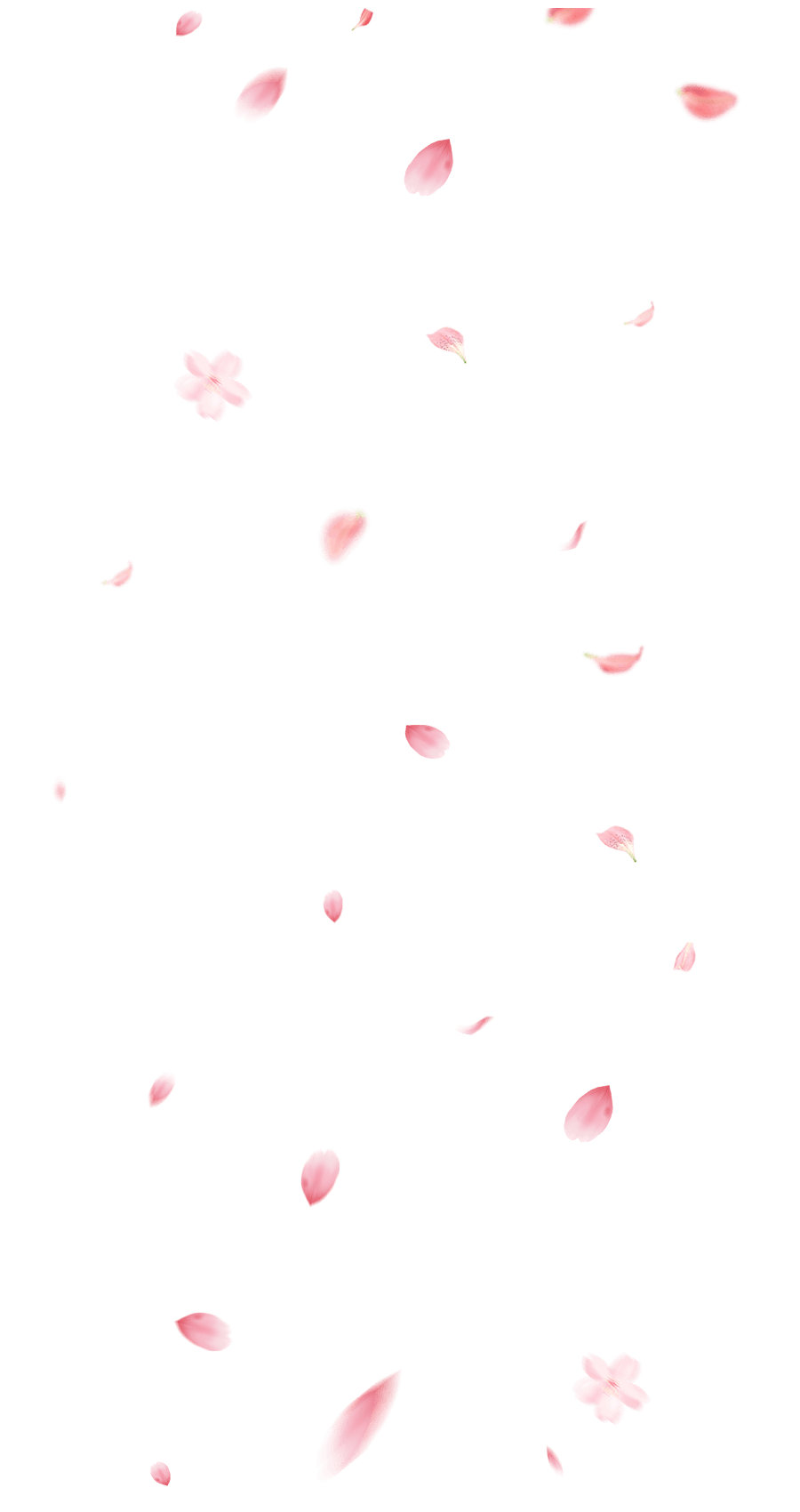
The photo studio lets you set up a little staged photo: pick a backdrop, sprinkle in an atmosphere effect (drifting petals, fireworks, floating hearts…), drop in your dressed-up character, and snap it. The finished picture lands in your album, and you can pin favourites to your public profile.
The headline mode is a guild group photo: your guild leader opens a session, everyone’s character joins in, and one arranger stages the whole crew together in one shot.
Backdrops
Four seasonal scenes are planned. Spring is the first one ready — the rest are in the catalog with art still to come.
Atmosphere effects
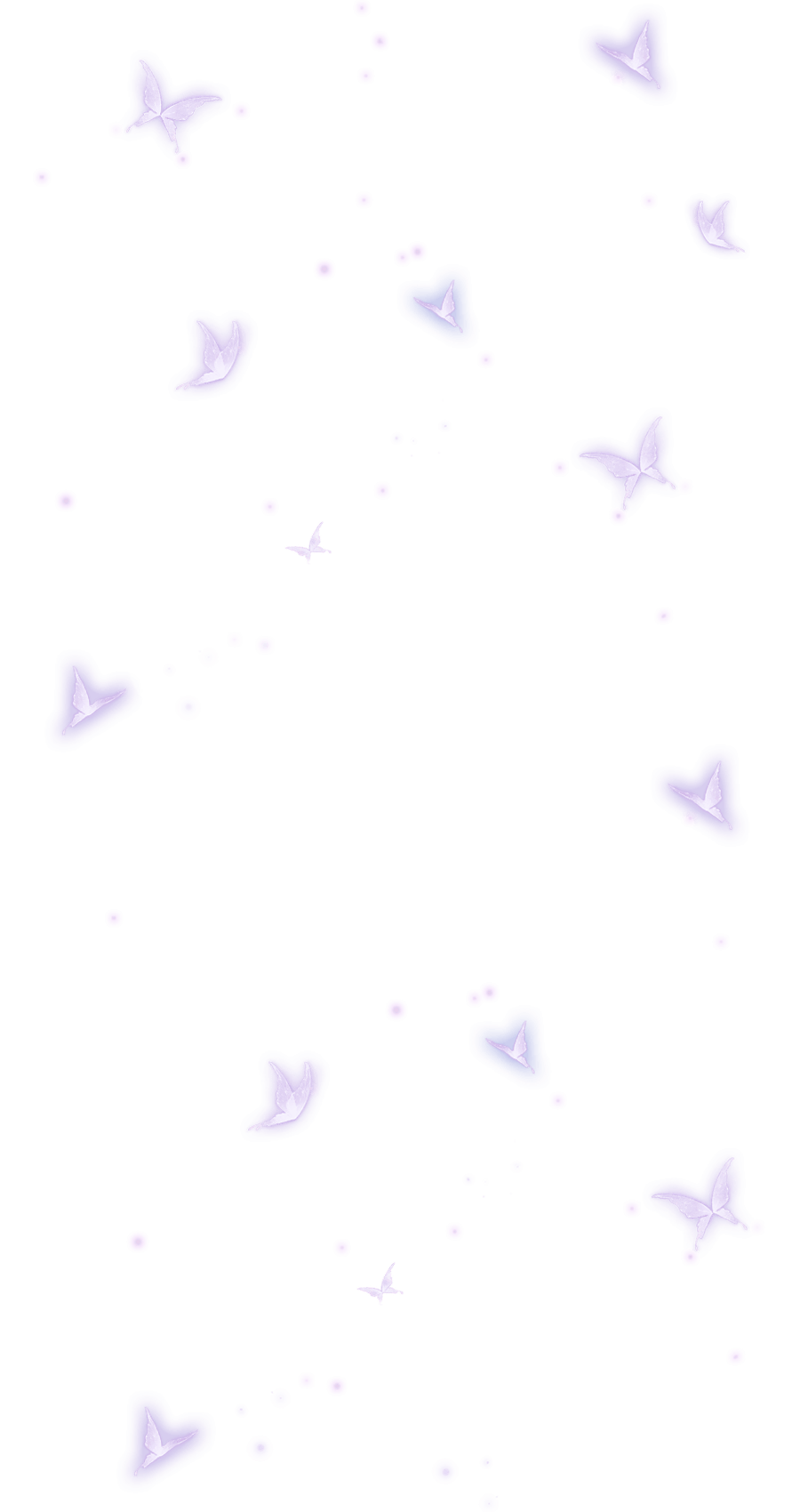
Ten overlays you can layer onto a scene. They’re drawn as full-screen drifts, so they read better in motion than on these stills.





The finished frame
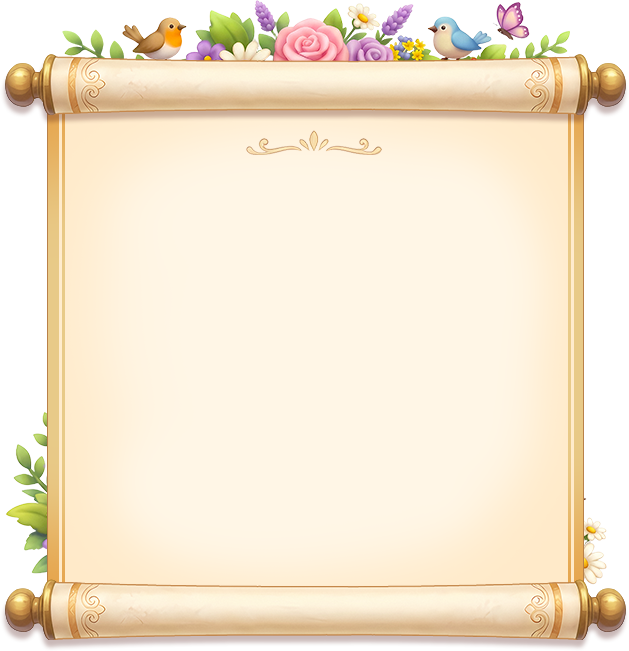
Every snapshot is wrapped in this flower-and-bird scroll before it’s saved.
The three modes
Guild group photo
Pose with your whole guild in one staged scene. This is the mode that’s furthest along.
Solo photo
Just you and your character — mix and match your outfit and shoot.
Photo with friends
Invite friends (outside your guild) for a smaller group shot.
How a guild photo comes together
- Your guild leader (or a deputy) opens a guild photo, which invites everyone in the guild to join.
- Each member says yes and lends their character to the shot — you choose whether to take part.
- One person holds the arranger role (the leader by default, but they can hand it to a trusted member and take it back any time).
- The arranger places everyone in the scene, swaps the backdrop, adds effects, and nudges each piece around — move, resize, restack, flip. There’s a tidy undo and a full clear.
- When it looks right, the arranger takes the photo. The finished picture saves to their album and is sent to everyone who joined in.
Taking the final photo costs the arranger a few ingots, so it’s a once-in-a-while group keepsake rather than a spam button.